
Vigi Wallet
Post-quantum self-custody, made simple.
The native VigiChain wallet. All your chains — Bitcoin, Ethereum, every EVM network, Solana and Cronos — protected by post-quantum cryptography, in an interface that feels effortless every day.
Installs, not archives. Builds are currently unsigned; signed releases and the app stores arrive with the network launch.
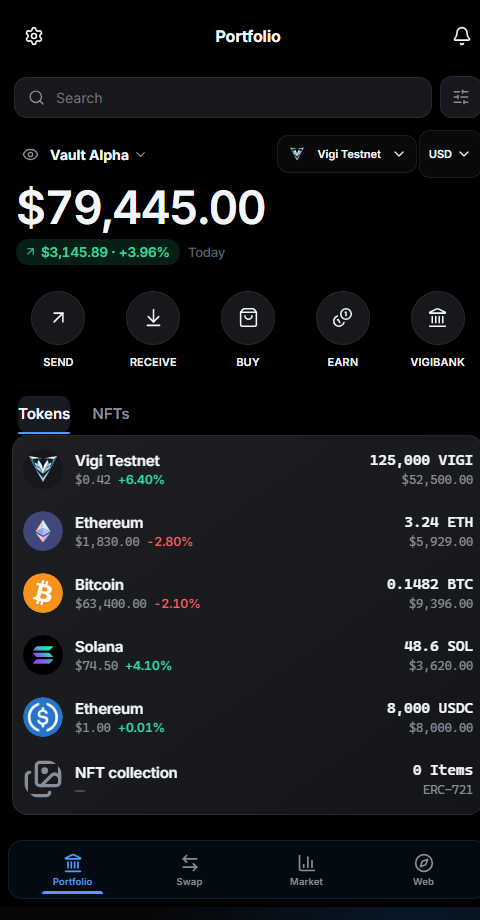
A closer look
Every asset, its real logo. Every action, one tap away.
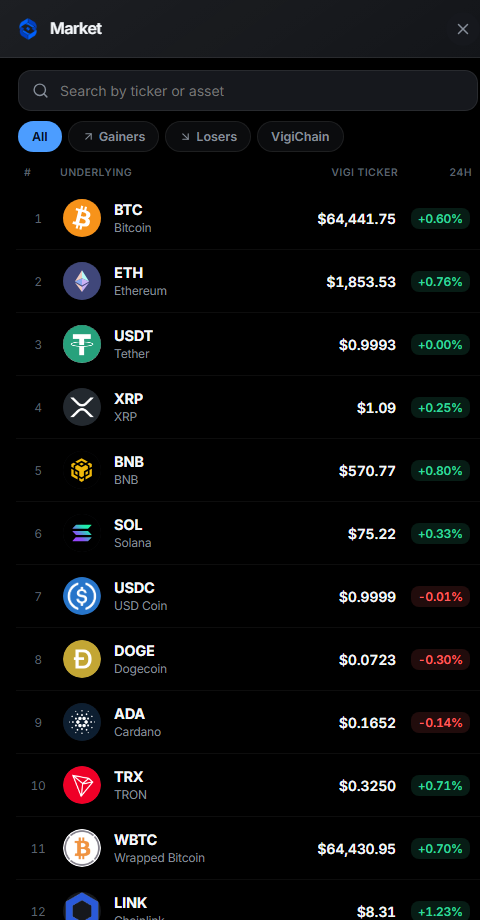
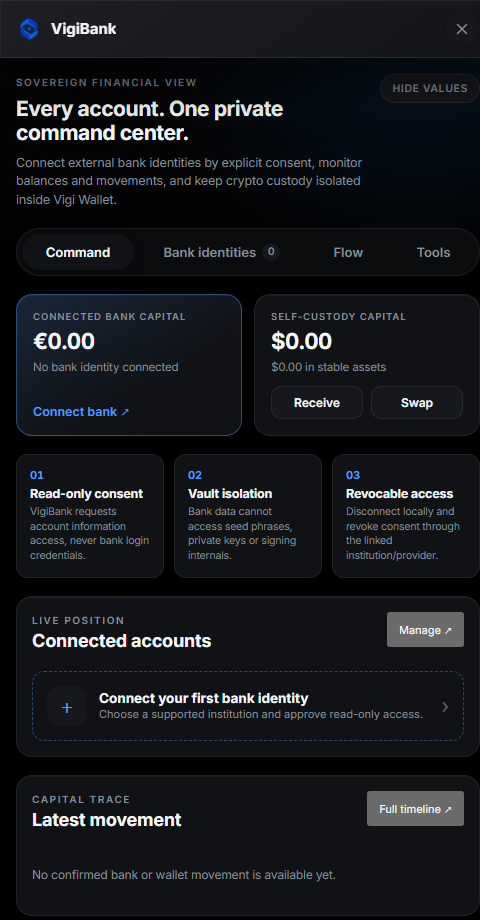
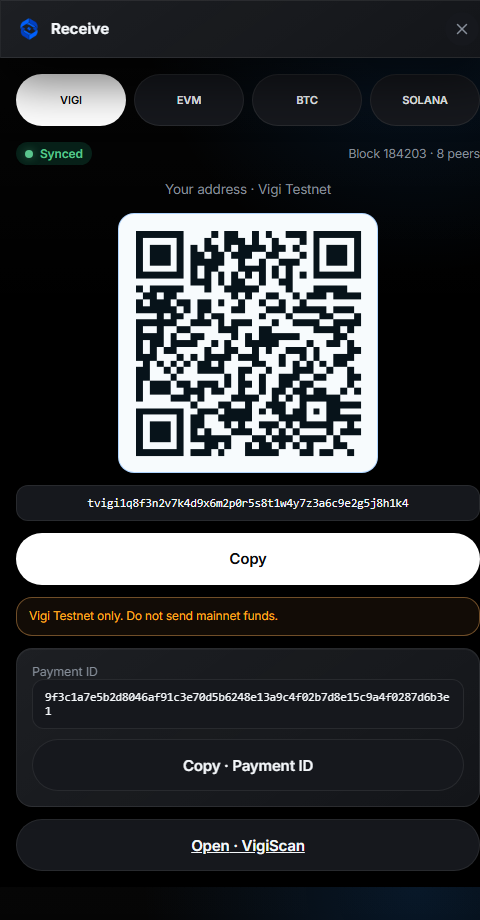
Actual product screenshots.
Set-up guide
From install to your first swap — in six steps.
Each step below is a real screen from Vigi Wallet, so you know exactly what to expect before you start.
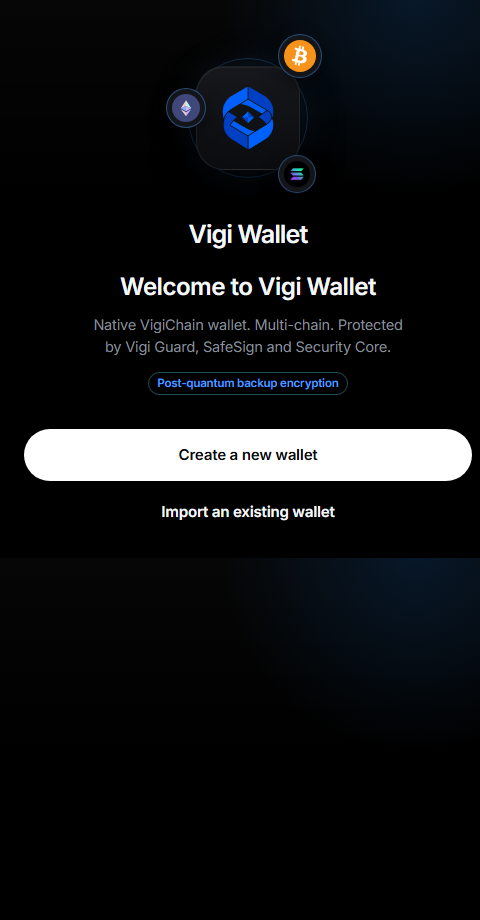
Install and open
Install Vigi Wallet on Windows or Android — a real installer, not an archive. On first launch you land on the welcome screen; choose “Create a new wallet”, or import an existing recovery phrase.
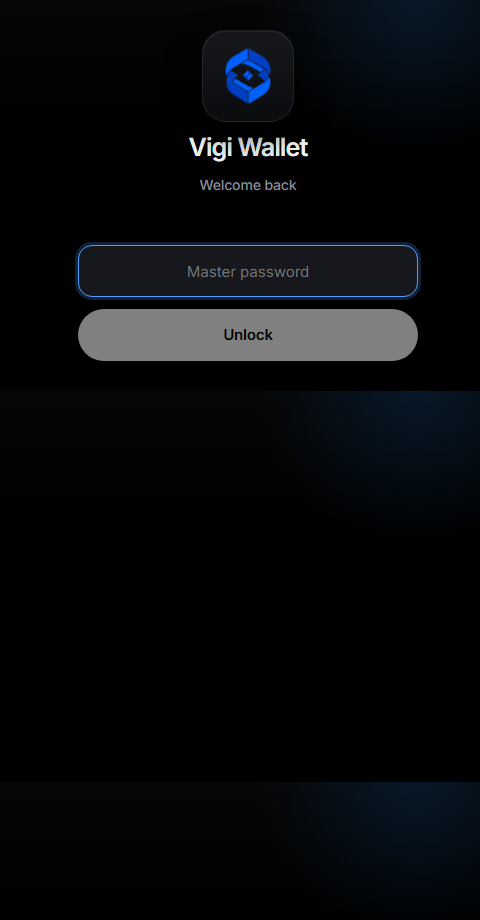
Set your master password
Your master password unlocks the wallet on this device. It never leaves your machine and is not your recovery phrase — it is the day-to-day lock over your encrypted vault.
Back up your recovery phrase — offline
Write your recovery phrase on paper and keep it offline. It is the single most important thing to protect: anyone with it controls your funds, and it is the only thing that can restore your wallet. Vigi Wallet never uploads it.
Receive and fund your wallet
Open Receive, pick the network (VIGI, EVM, Bitcoin or Solana) and share your address or QR. You can also buy directly with a card through MoonPay or Transak — Vigi Wallet adds no surcharge.
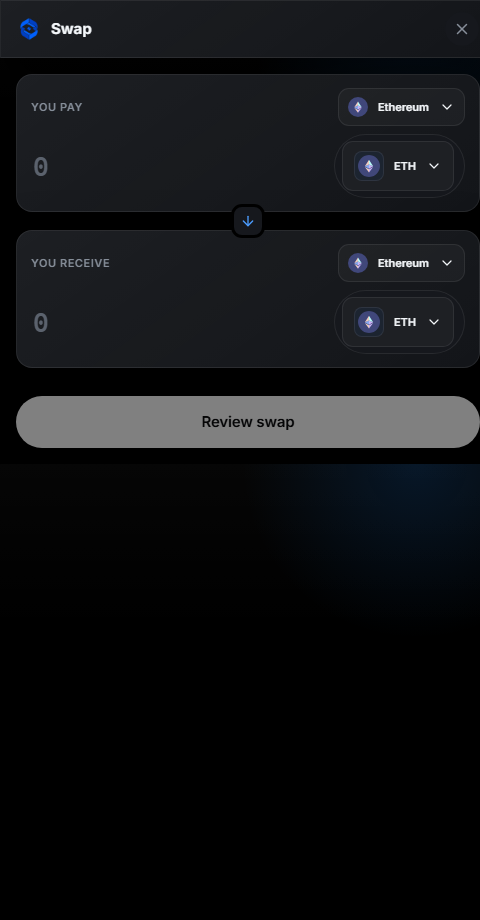
Swap across chains, best route
Choose what you pay and what you receive. Vigi Wallet auctions the trade across LI.FI, 1inch, ParaSwap, 0x and THORChain and executes the best route, with SafeSign reviewing the transaction before you sign.
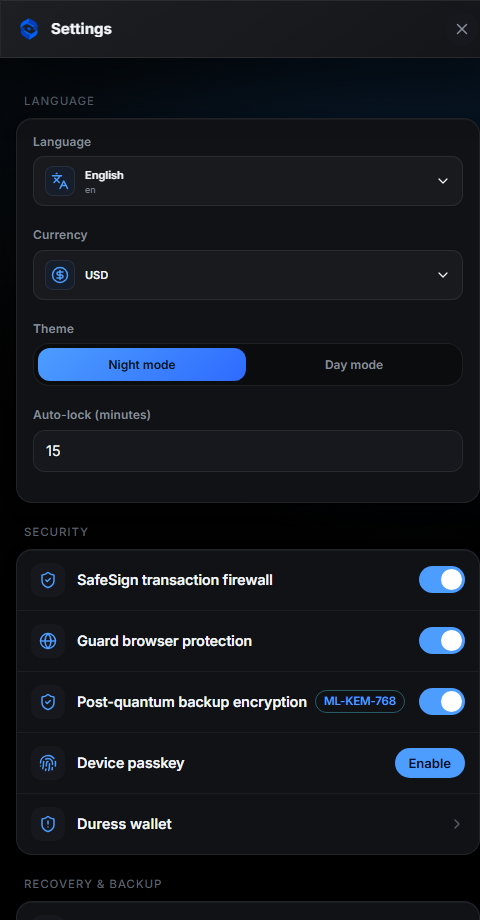
Tune security in Settings
Everything is one screen away: language and currency, night mode, auto-lock, the SafeSign firewall, Vigi Guard, post-quantum backup, a device passkey and a duress wallet. No custodian, no cloud approval.
Why Vigi Wallet
The security of a cold wallet, without the card.
Hardware cards protect one device. Vigi Wallet makes post-quantum, self-custodial security something anyone can hold — free, on the phone and desktop they already own. The only thing you must keep offline is your recovery phrase.