Vigi Wallet
Post-quantum self-custody, simple every day
The native VigiChain wallet. One vault across Bitcoin, Ethereum, every major EVM network, Solana and Cronos — with post-quantum keys underneath and a transaction firewall in front.
Version 2.2.0 · Chrome · Edge · Brave · Opera · Vivaldi
Self-custody
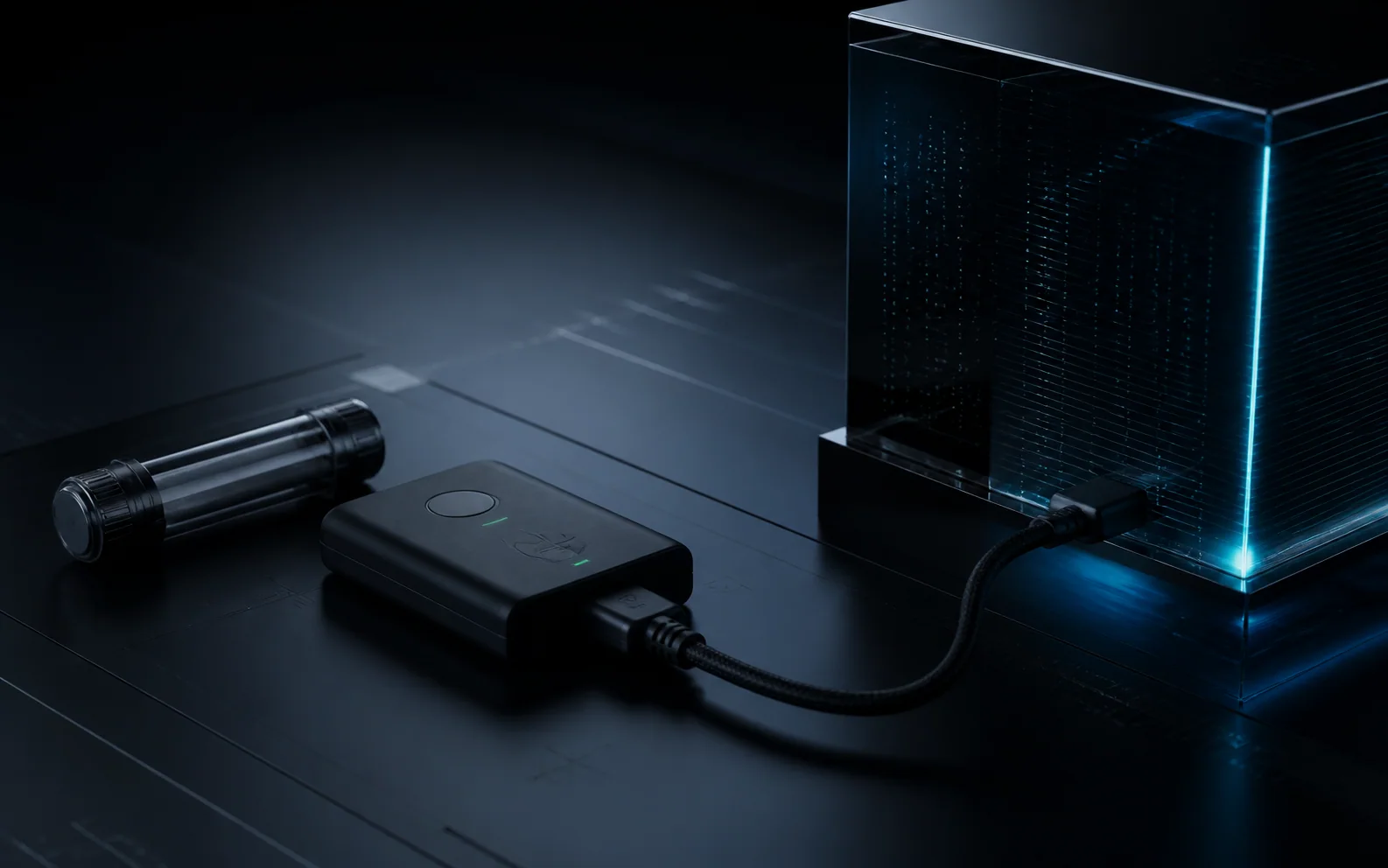
There is no custodian to switch off.
Keys are generated on your device and never leave it. No account, no approval, no recovery desk that could also be a point of seizure — which is the trade being made, stated plainly: lose the recovery phrase and nobody — UTXO Labs Team included — can restore it.
A closer look
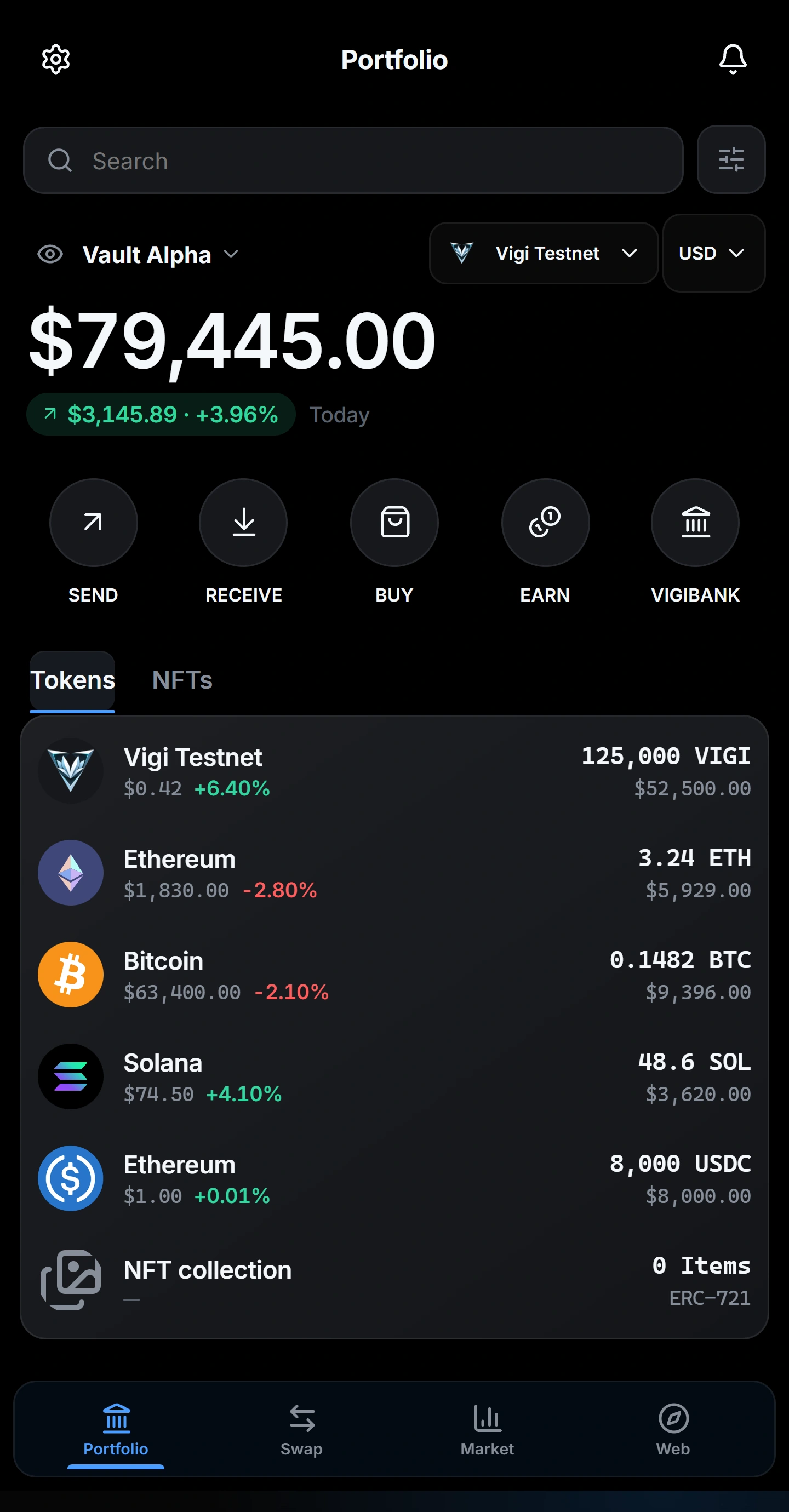
Every asset, its real logo. Every action, one tap away.
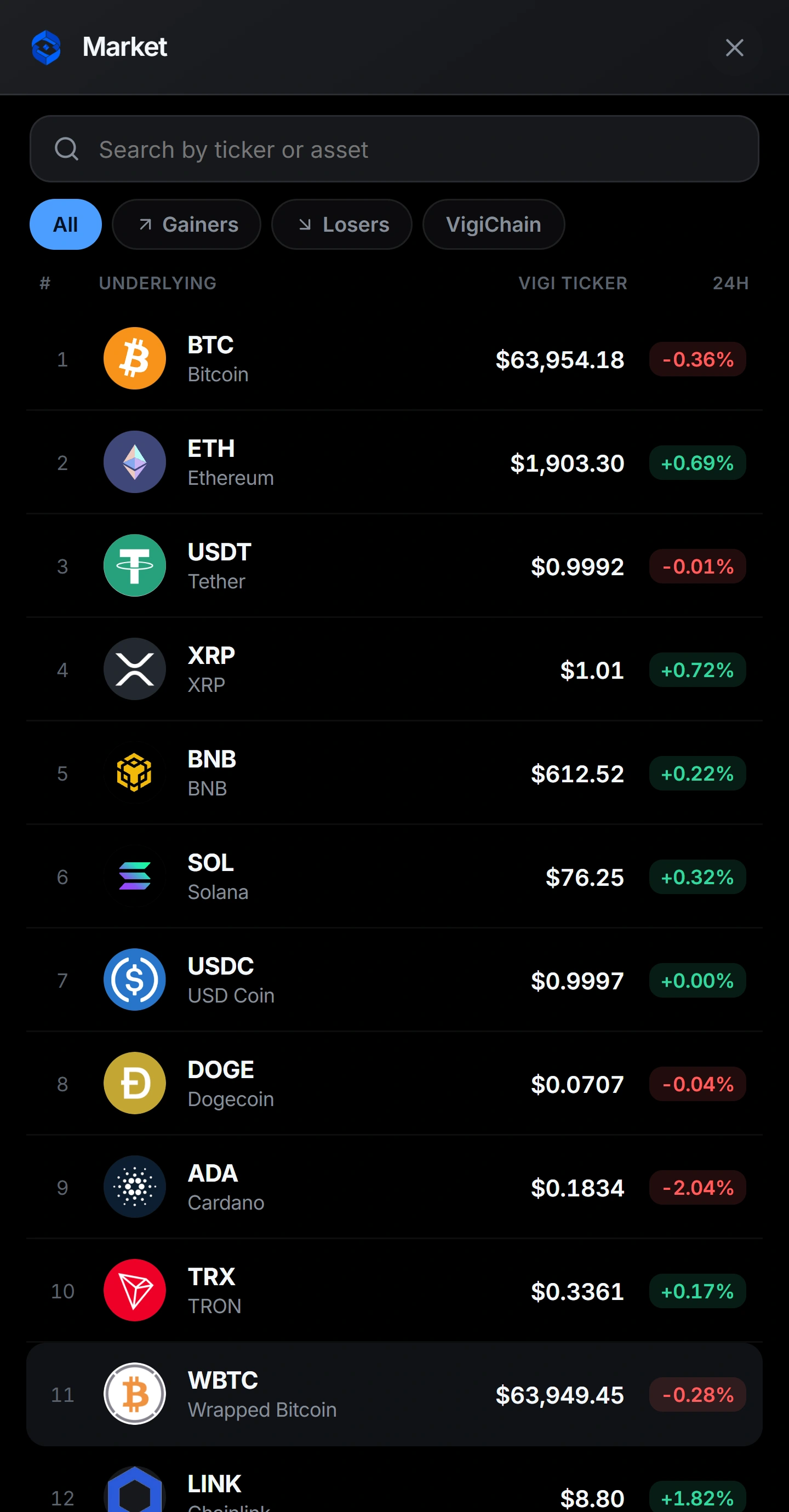
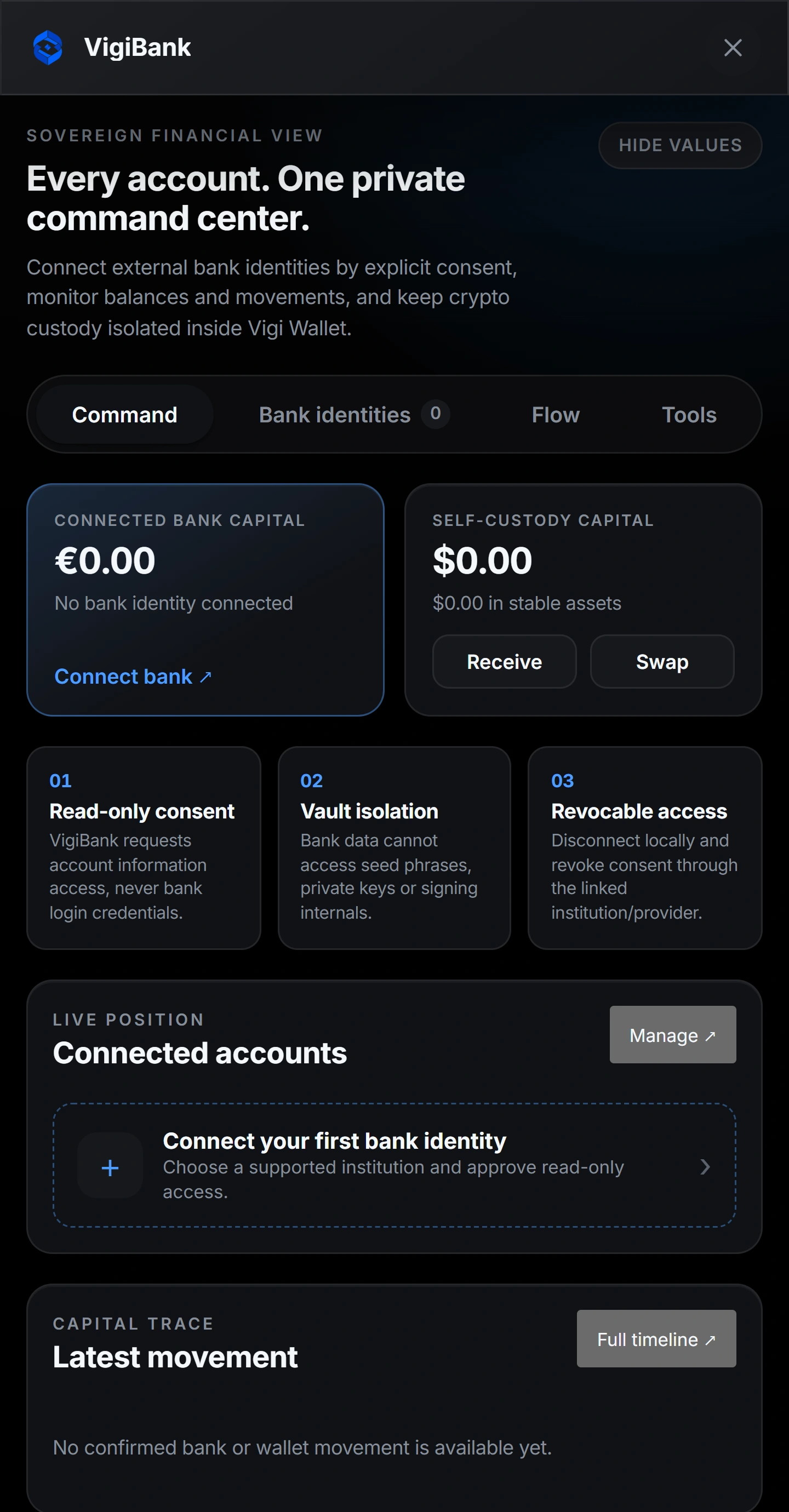
Real screenshots of the product.
Set-up guide
From install to your first swap — in six steps.
Each step below is a real screen from Vigi Wallet, so you know exactly what to expect before you start.
Install and open
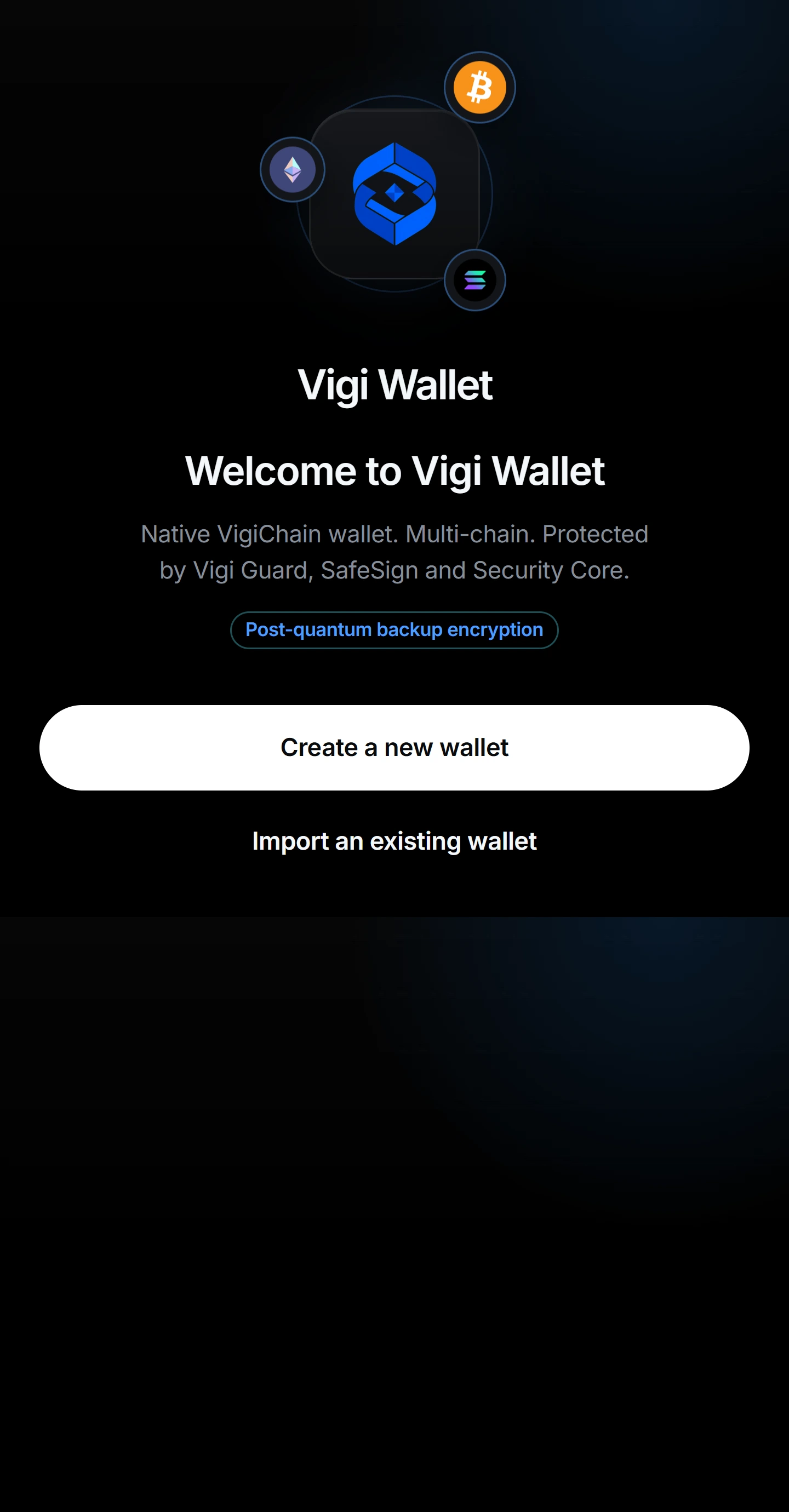
Install Vigi Wallet on Android, or add the browser extension — a real installer, not an archive. The Windows desktop build is not available yet: it exists, and it has not been built and verified on a machine anyone can check, so it is not offered here. On first launch you land on the welcome screen; choose “Create a new wallet”, or import an existing recovery phrase.
Set your master password
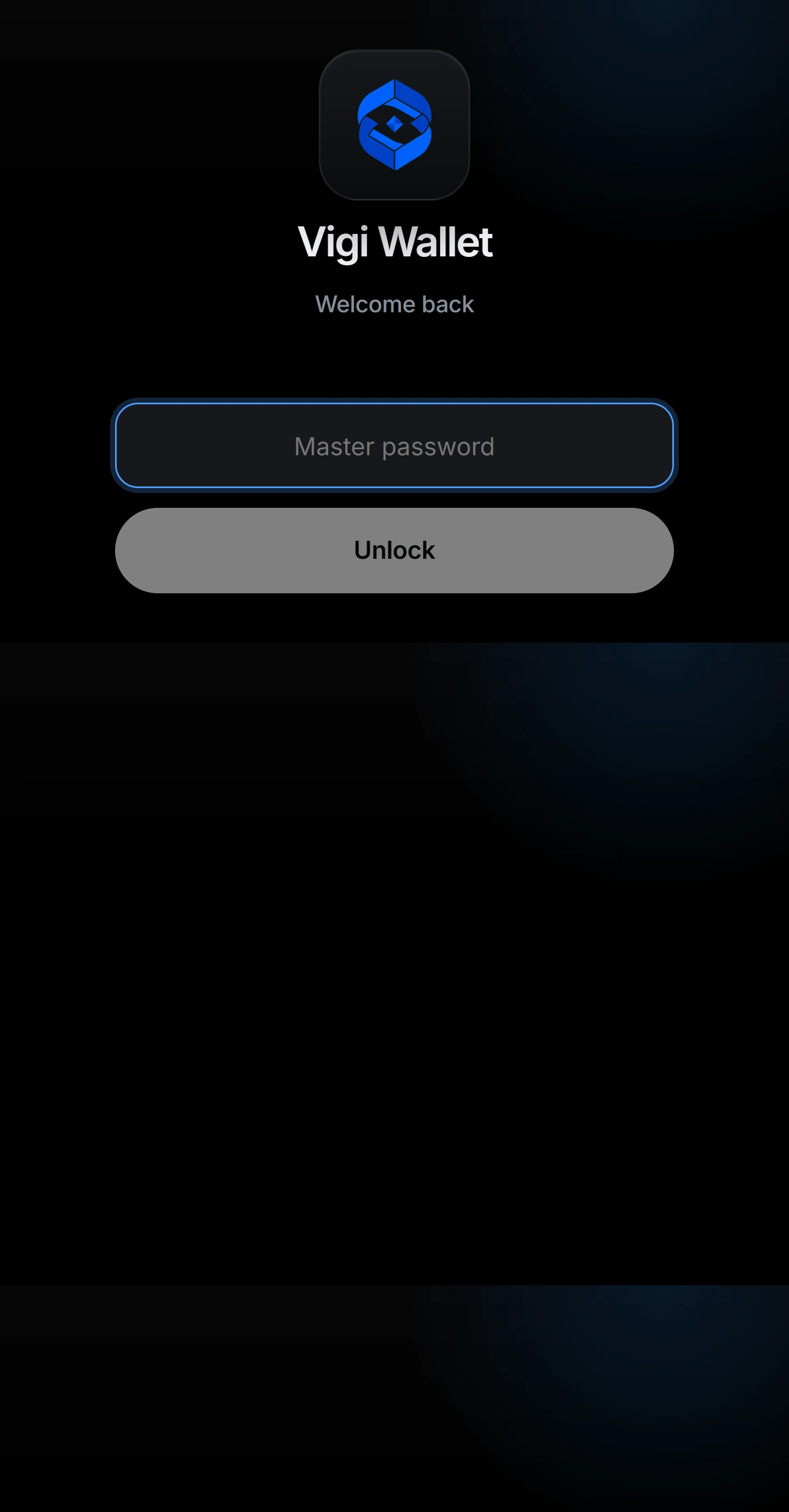
Your master password unlocks the wallet on this device. It never leaves your machine and is not your recovery phrase — it is the day-to-day lock over your encrypted vault.
Back up your recovery phrase — offline
Write your recovery phrase on paper and keep it offline. It is the single most important thing to protect: anyone holding it controls your funds, and it is the only thing that can restore your wallet. Vigi Wallet never uploads it.
Receive and fund your wallet
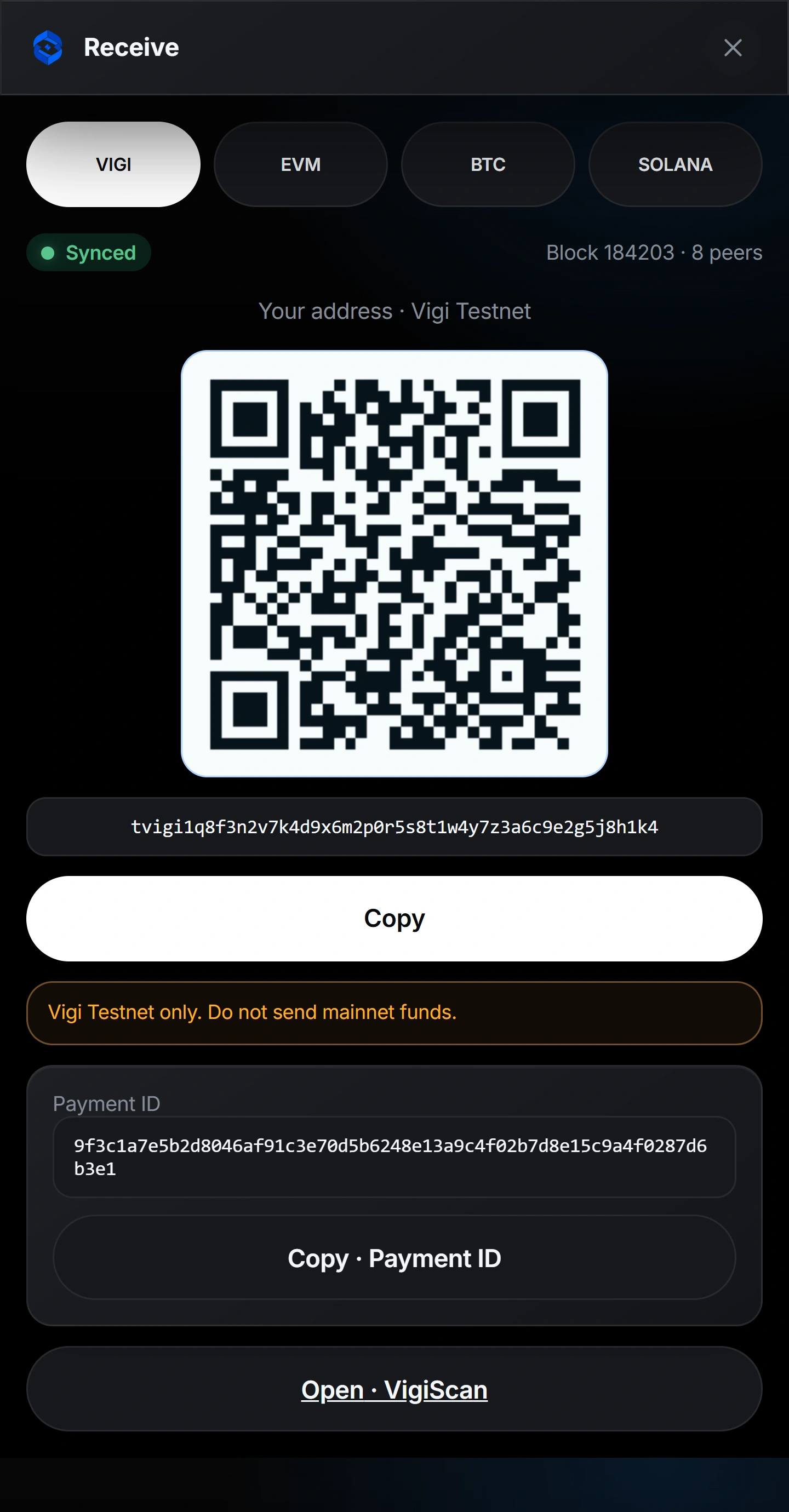
Open Receive, pick the network (VIGI, EVM, Bitcoin or Solana) and share your address or QR. You can also buy directly with a card through MoonPay or Transak — Vigi Wallet adds no surcharge.
Swap across chains, best route
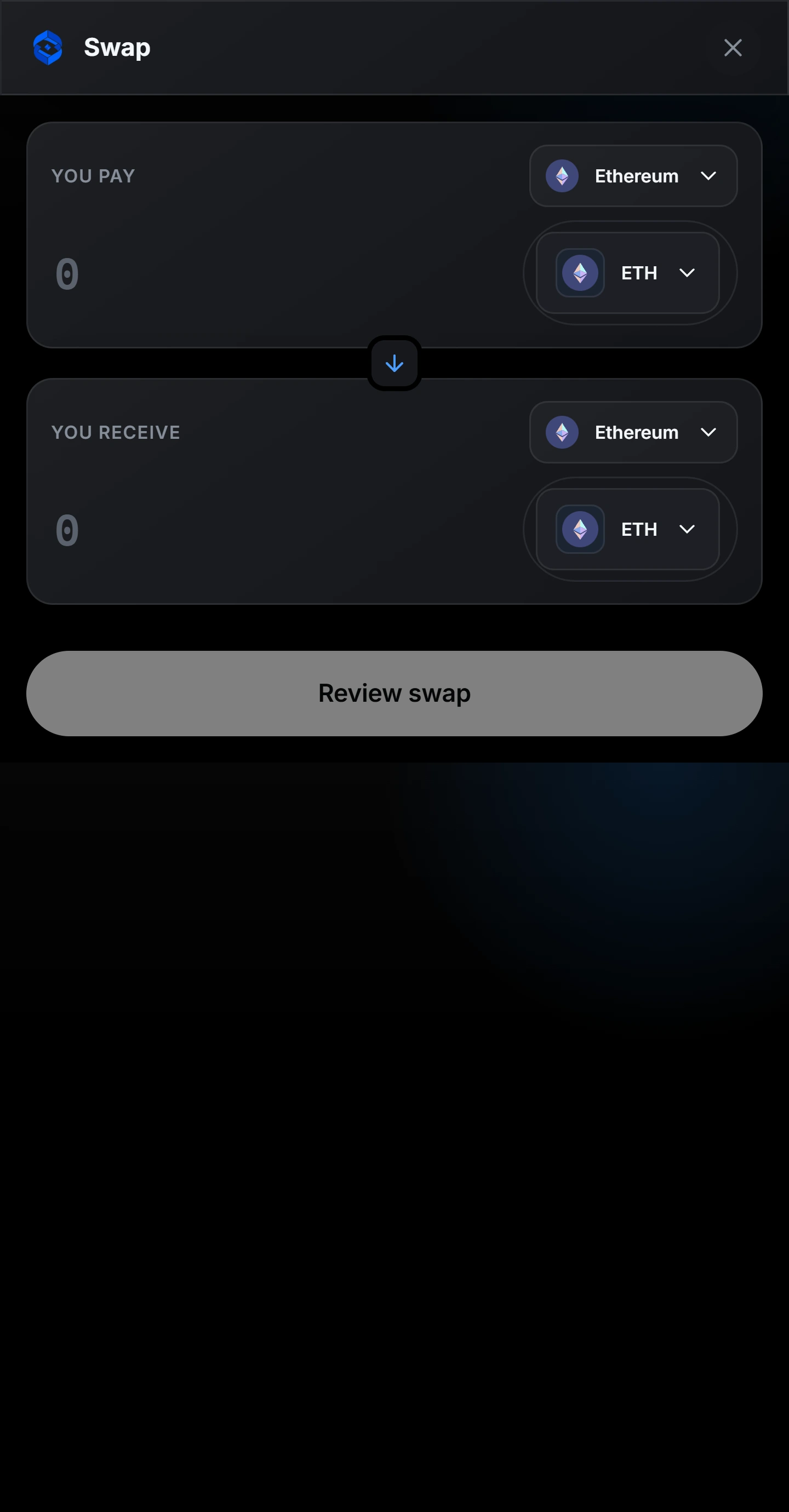
Choose what you pay and what you receive. Vigi Wallet auctions the trade across LI.FI, 1inch, ParaSwap, 0x and THORChain and executes the best route, with SafeSign reviewing the transaction before you sign.
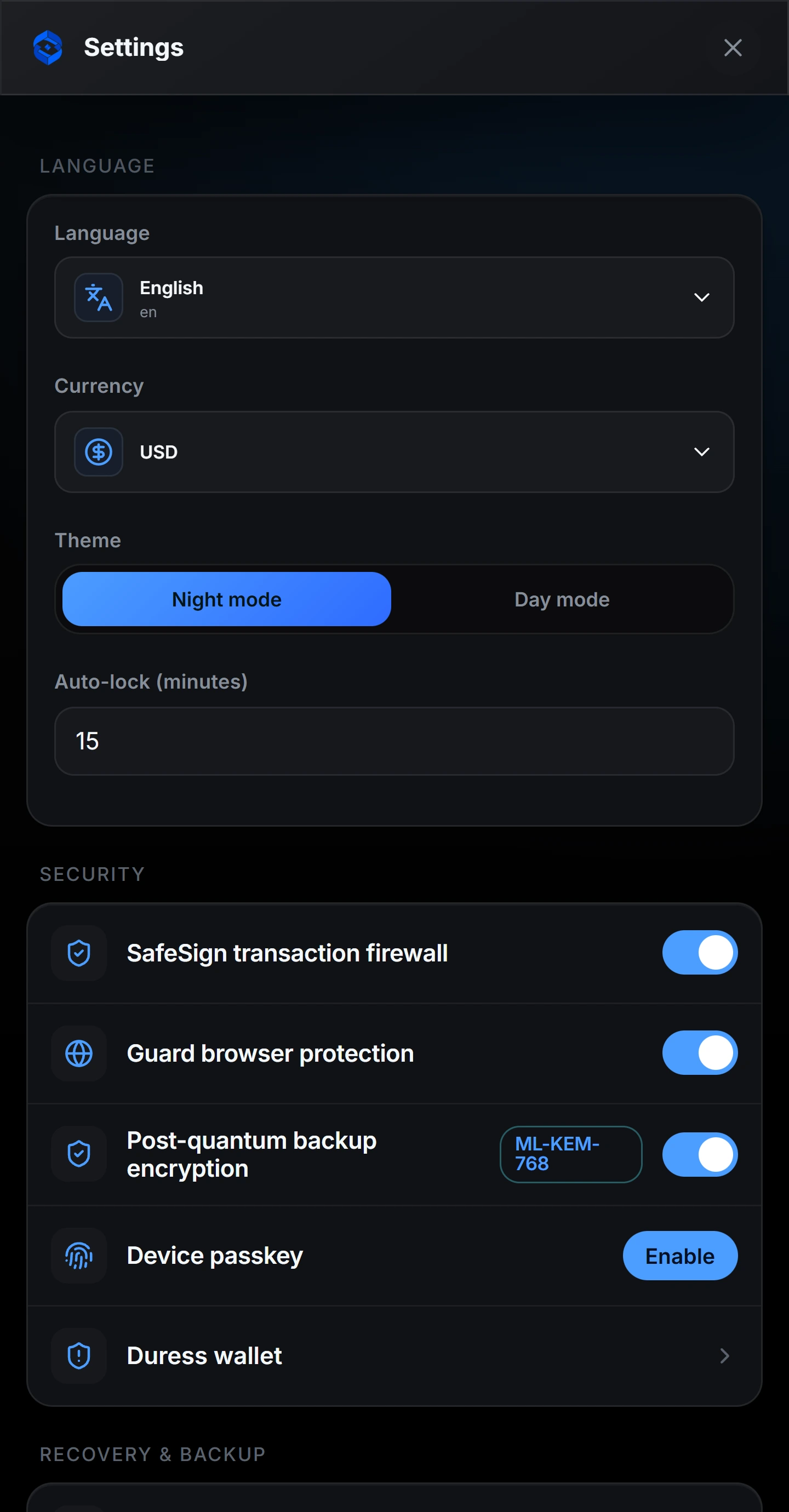
Tune security in Settings
Everything is one screen away: language and currency, night mode, auto-lock, the SafeSign firewall, Vigi Guard, post-quantum backup, a device passkey and a duress wallet. No custodian, no cloud approval.
Why Vigi Wallet
The security of a cold wallet, without the card.
Hardware cards protect one device. Vigi Wallet makes post-quantum, self-custodial security something anyone can hold — free, on the phone and desktop they already own. The only thing you must keep offline is your recovery phrase.
The download is withheld
The wallet that used to be served here is not in a state to hand anybody. Its selectors overlap, opening a dropdown breaks the interface, it does not show the VigiChain mark, and the published build has fallen behind the work in progress.
Handing somebody a wallet is handing them their own keys. Until that is fixed, this page says so instead of serving it.
Any EVM wallet
Point an Ethereum wallet at a chain that is not Ethereum.
VigiChain is its own network, not an EVM fork — and it still answers the JSON-RPC an EVM wallet speaks. Add it as a custom network and your wallet reads the real chain: block height, the balance of your account, the current gas price.
Or add it by hand
Decimals must be 18: MetaMask refuses any other value for a native currency, and every EVM wallet renders one with 18. The gateway converts — the native unit has 8 decimals — so the figure your wallet renders is the figure you hold.
What works immediately
Balance, block height, gas price, transaction and block lookups, and contract-style reads. Your EVM address is a deterministic alias of a native account, so the balance you see is the balance the chain holds — the same coins, one account, two ways of writing its address.
What an EVM wallet cannot do here, and why
It cannot send. Moving value on this network requires a post-quantum signature (ML-DSA-65), and an Ethereum wallet can only produce secp256k1 — that is the whole point of the chain. Sending is done from VigiWallet or from your own node. You can still prove the two accounts are yours: an EVM_BINDING transaction links your Ethereum address to your native account, signed by both keys, and it never gains the right to spend.